


















Features

The inventory features WooCommerce never had.

Ten features that add what a WooCommerce shop is missing: real profit per order, stock levels from real sales, and a record of every change.

01

Money, stock, and customers

The three records a shop is actually run from.

Feature 1

Sales & Orders

WooCommerce shows you what an order sold for, never what it made. And it hands the warehouse nothing to pick from.

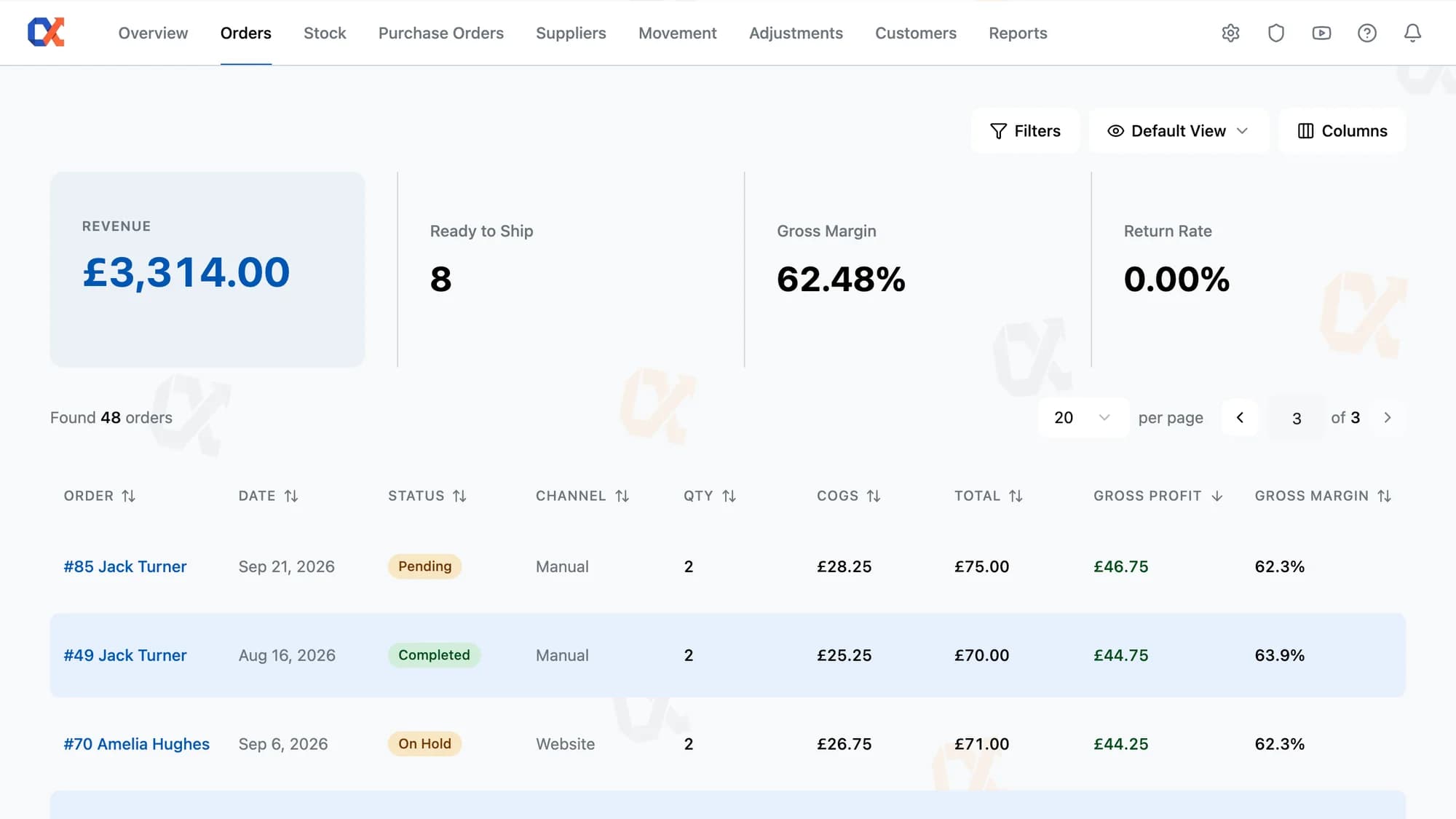
  • Cost, gross profit, and gross margin on every order and every line
  • FIFO costing — each delivery's price carried onto the order that sells it
  • Filter to the orders inside a gross margin or gross profit range
  • One pick list across selected orders, then a packing sheet each
Learn more about Sales & Orders
Orders
#4019Amazon+£128
#4018Website+£94
#4017eBay+£212

Feature 2

Stock Management

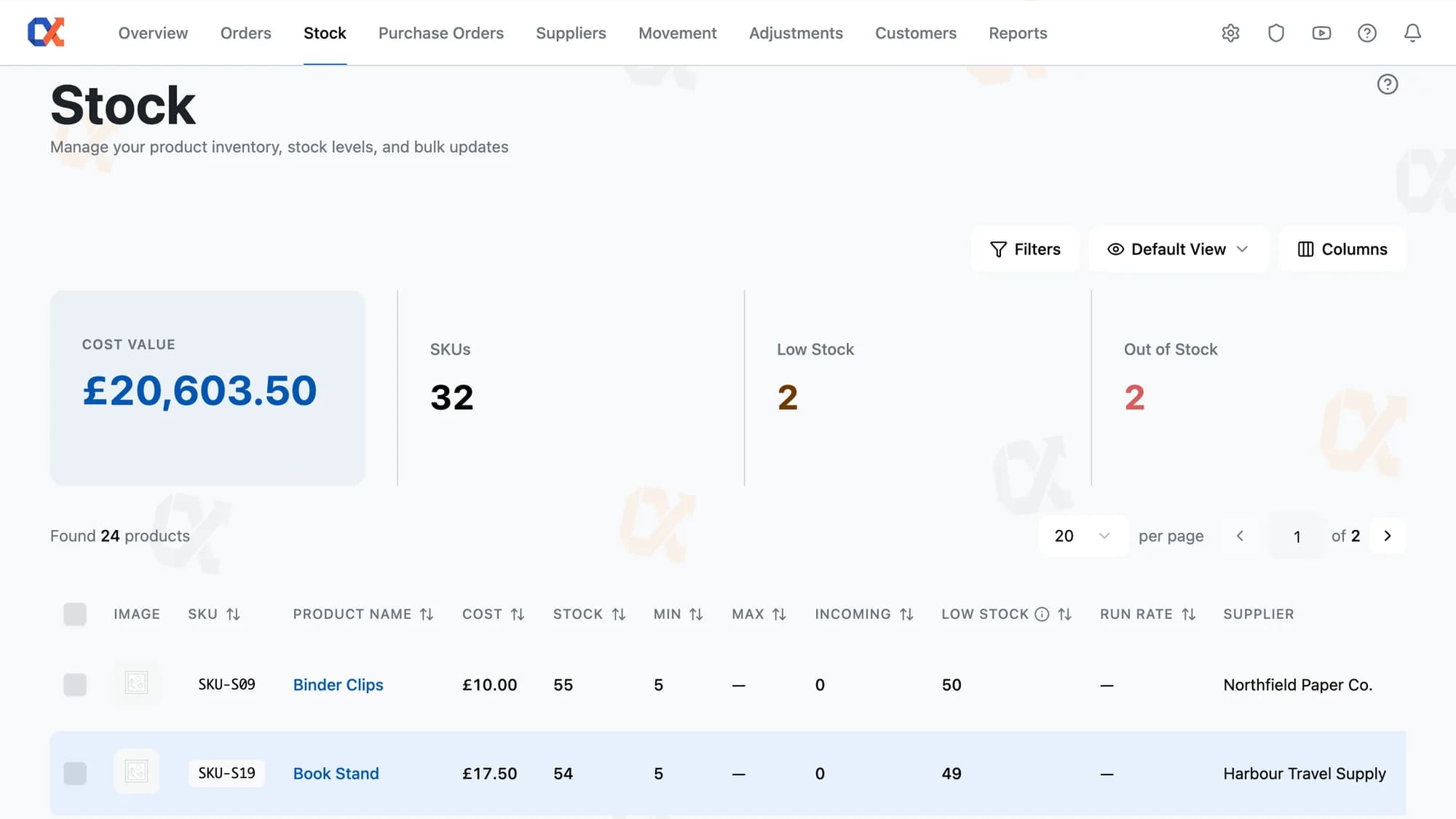
WooCommerce gives you a stock number and nothing else. No minimum, no maximum, and no answer to how many of these you should actually be ordering.

  • A suggested maximum on every product, sized from twelve months of its own sales
  • One restock number per product — sort the column and everything short rises to the top
  • One typed value lands in every product you selected: cost, minimum, maximum, run rate
  • Parent settings cascade to every variation, with any one free to differ
Learn more about Stock Management
Classic Tee · variants
Black / M142
Navy / L38
Grey / SLow · 6

Feature 3

Customer Analytics

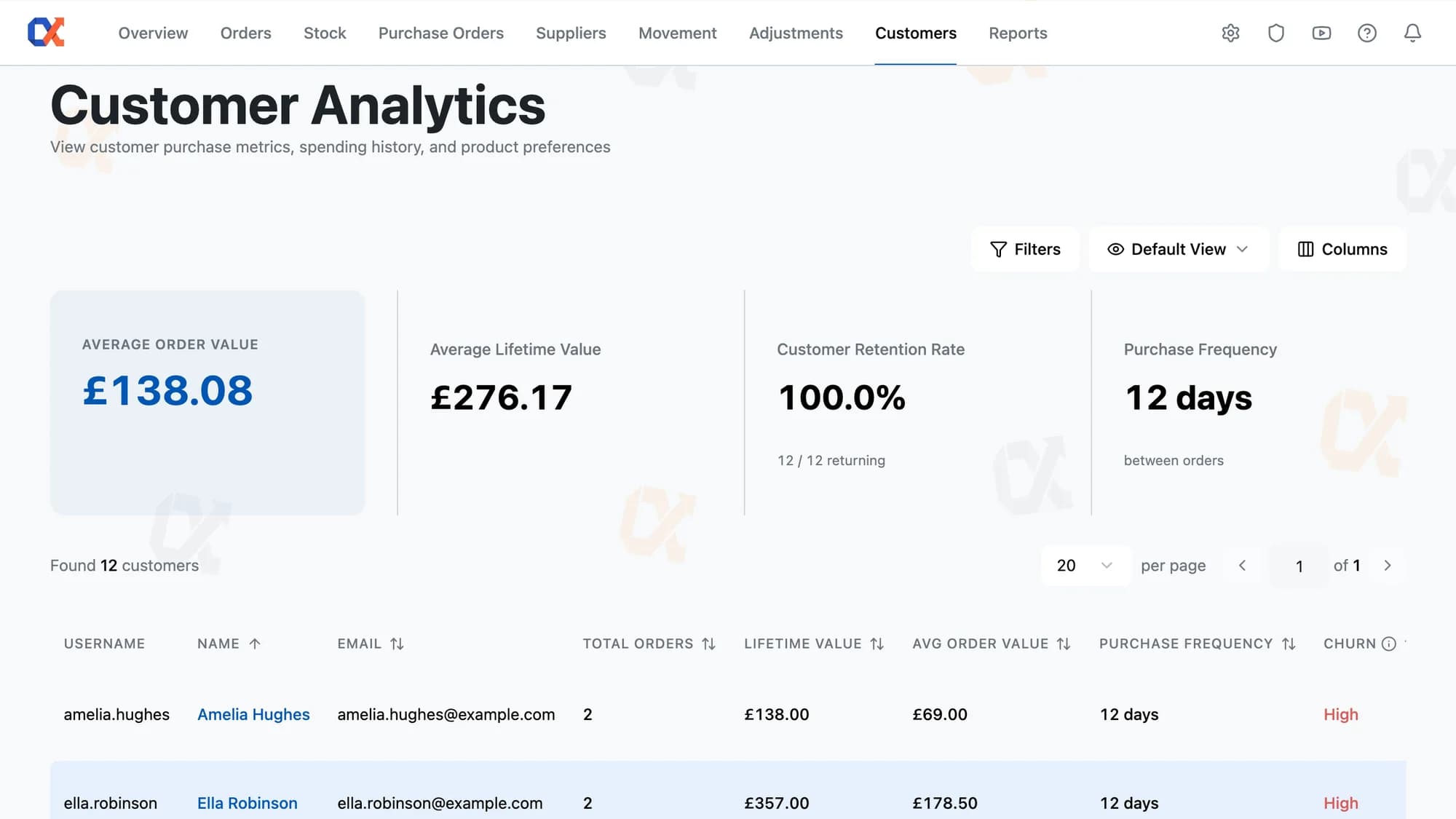
WooCommerce can tell you a customer has spent £2,400. It can't tell you they used to order every month and haven't been back since March.

  • Churn risk on every customer, judged against their own rhythm, not the store average
  • One buyer, one row — guest orders and changed email addresses merged into a single total
  • Seven figures per profile: orders, lifetime value, AOV, frequency, last purchase, churn, top product
  • A bar per product showing exactly what one customer buys, with SKU and quantity
Learn more about Customer Analytics
Top customers
Harriet Lane24 orders£3,180
Oliver Tan18 orders£2,440
Priya Shah15 orders£1,920
02

Suppliers, orders, and reporting

Where stock comes in, and every way of reading it back.

Feature 4

Purchase Orders

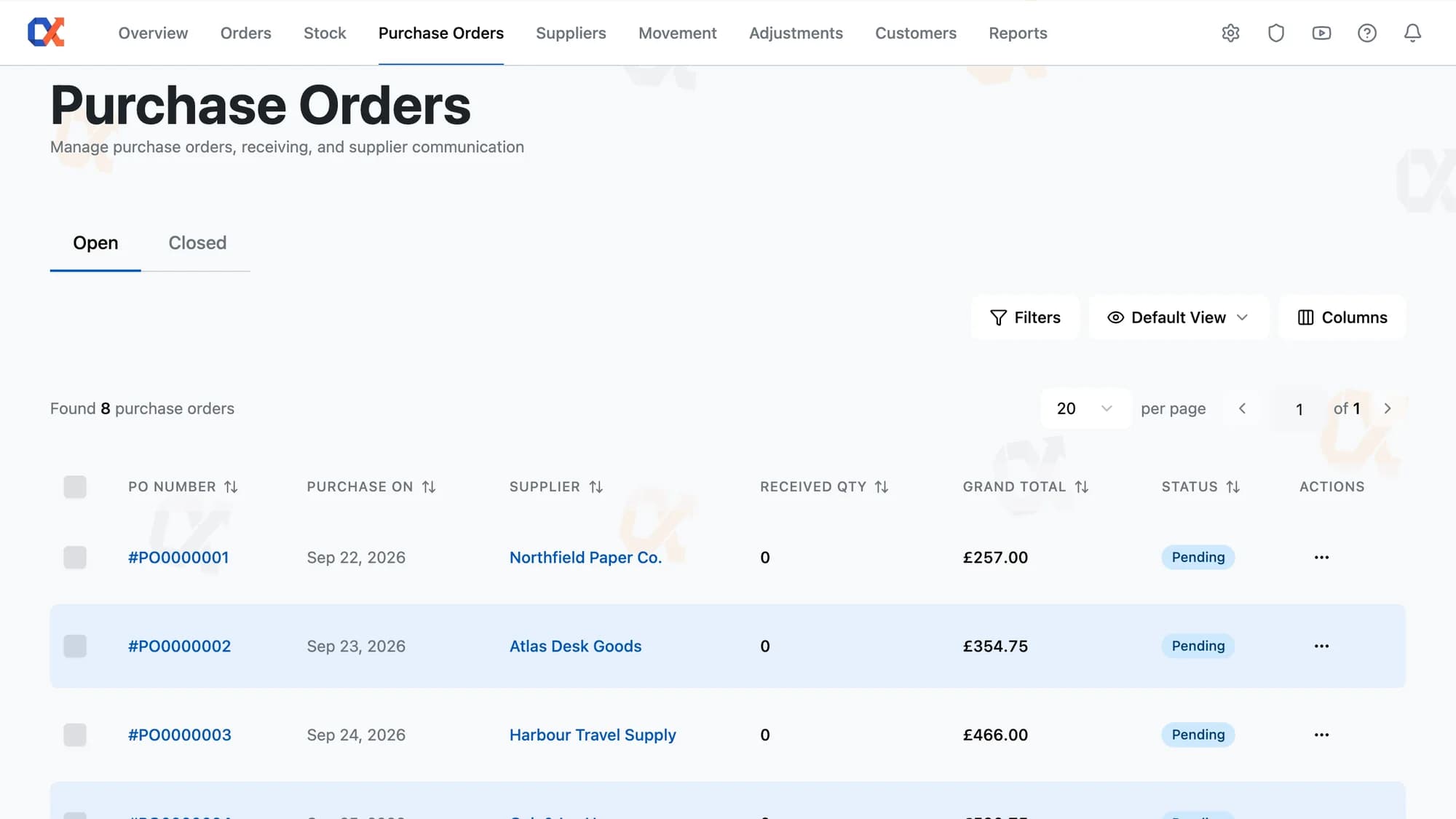
WooCommerce has no purchase orders. Buying stock happens in a spreadsheet and an email thread, and the stock count gets nudged by hand when the boxes turn up.

  • One Receive raises the stock count and records what that batch cost, in the same action
  • Receive what actually turned up — the order stays open as the record of what's still owed
  • Send the order to the supplier's saved address as a branded document, in one click
  • Build the order from just that supplier's products sitting below minimum
Learn more about Purchase Orders
PO-2041
NewPendingProcessingDone
Northgear Ltd12 line items£4,820
Partial receipt logged

Feature 5

Dashboard

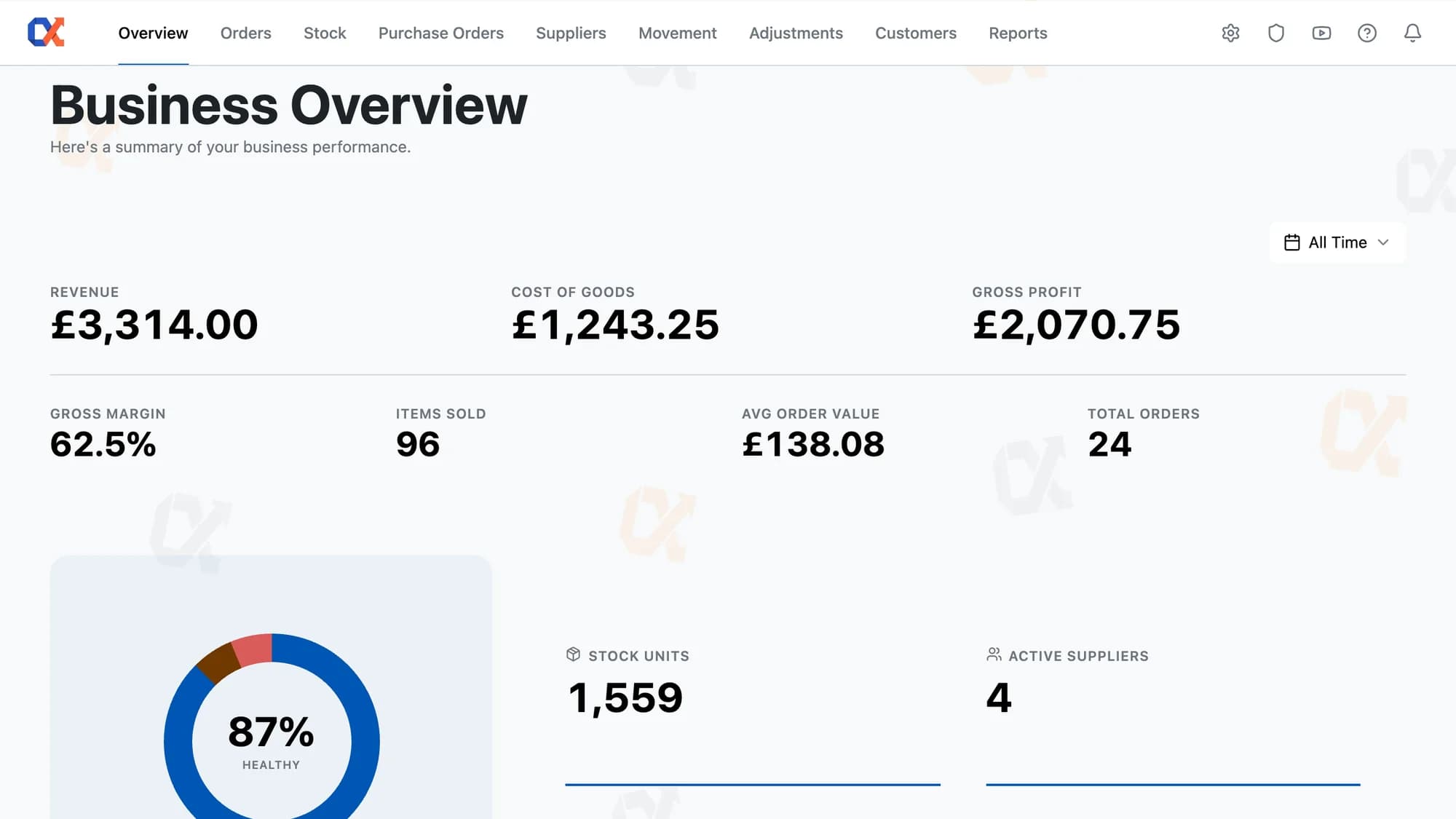
WooCommerce Analytics reports revenue and calls it performance. There's no cost behind it, so there's no profit in it, and nothing at all about what's left on the shelves.

  • Gross profit that tells you how much of itself is built on real cost data
  • Seven figures for any window: revenue, cost of goods, profit, margin, items, AOV, orders
  • Click a stock health segment and the Stock page opens already filtered to it
  • Cost Value and Retail Value of everything sitting on the shelves right now
Learn more about Dashboard
This month
Revenue
£28,470
COGS
£11,200
Gross profit
£17,270
Net profit
£12,940

Feature 6

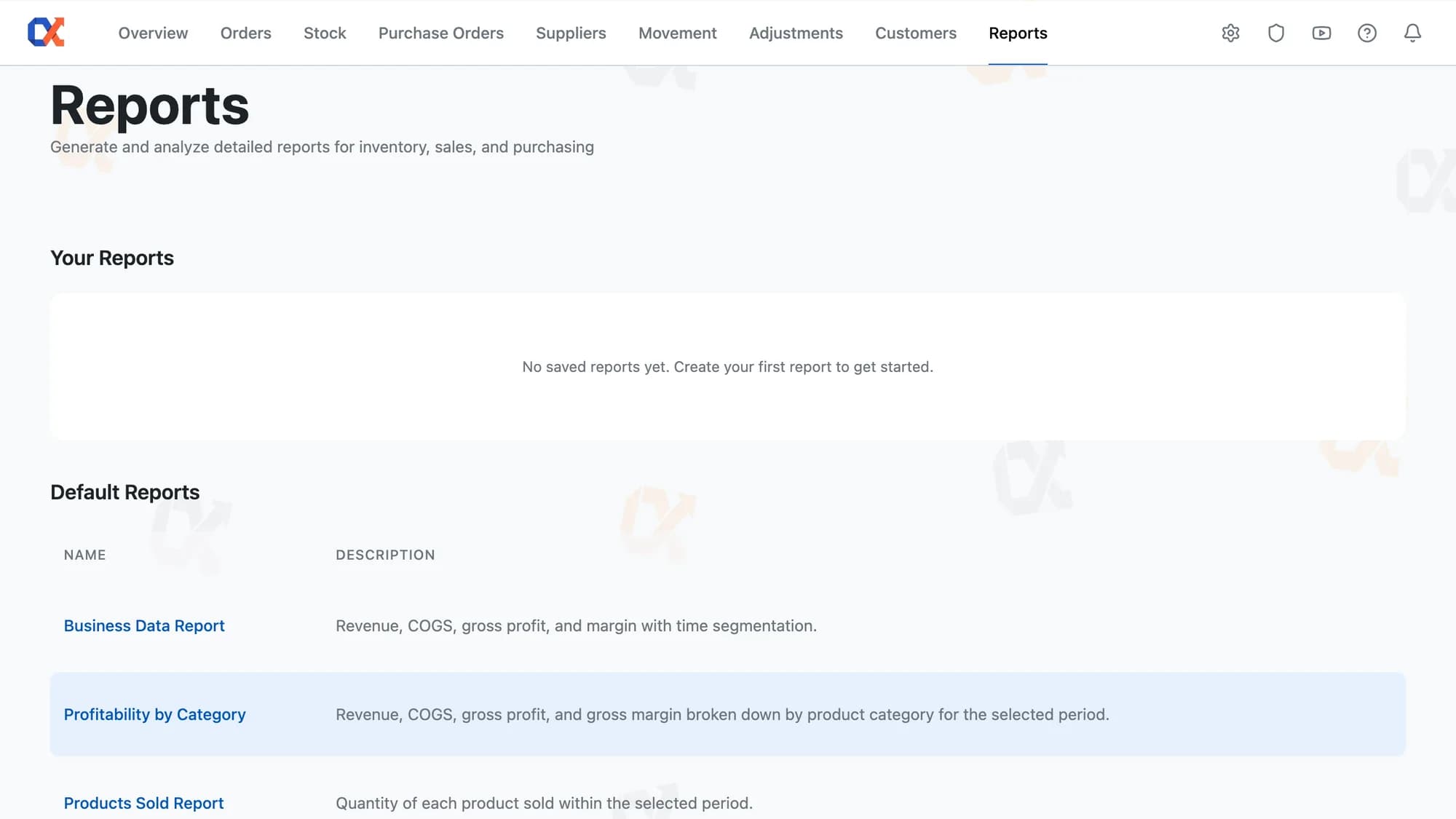
Reports

The built-in reports are the ones WooCommerce decided you needed. Anything else means exporting to a spreadsheet and rebuilding the same pivot table every month.

  • Nine ready-made reports, populated the day you install
  • 44 dimensions and 49 metrics, from campaign and landing page down to overstock quantity
  • This period against last period, with the percentage change on every row
  • Table, bar, line, pie, and scatter, each with its own display controls
Learn more about Reports

Feature 7

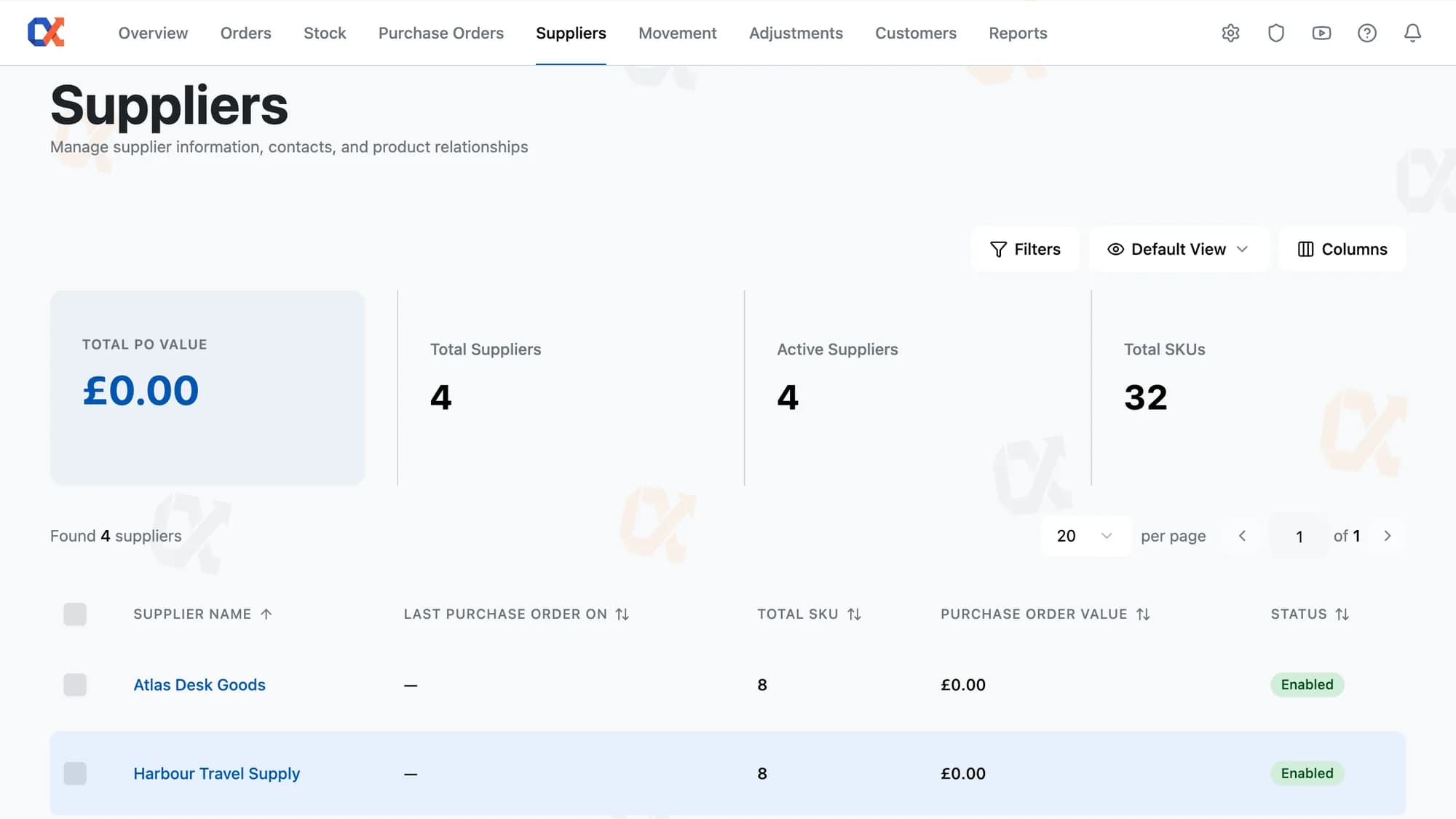
Supplier Management

WooCommerce has no concept of a supplier. Who you buy a product from, what each of them charges, and what you've spent with them live in an inbox and someone's memory.

  • Three suppliers on one product, three prices, and the gap between them on the page
  • A whole product list joined to one supplier in a single CSV pass
  • Every purchase order raised with a supplier, on their own record, with running spend
  • The supplier's email becomes the To address on every order you send them
Learn more about Supplier Management
Suppliers
Northgear Ltd86 SKUs£42k
BrewBarn Co54 SKUs£28k
Maple Wares31 SKUs£15k
03

The record, and who can touch it

What happened, who did it, and who's allowed near it.

Feature 8

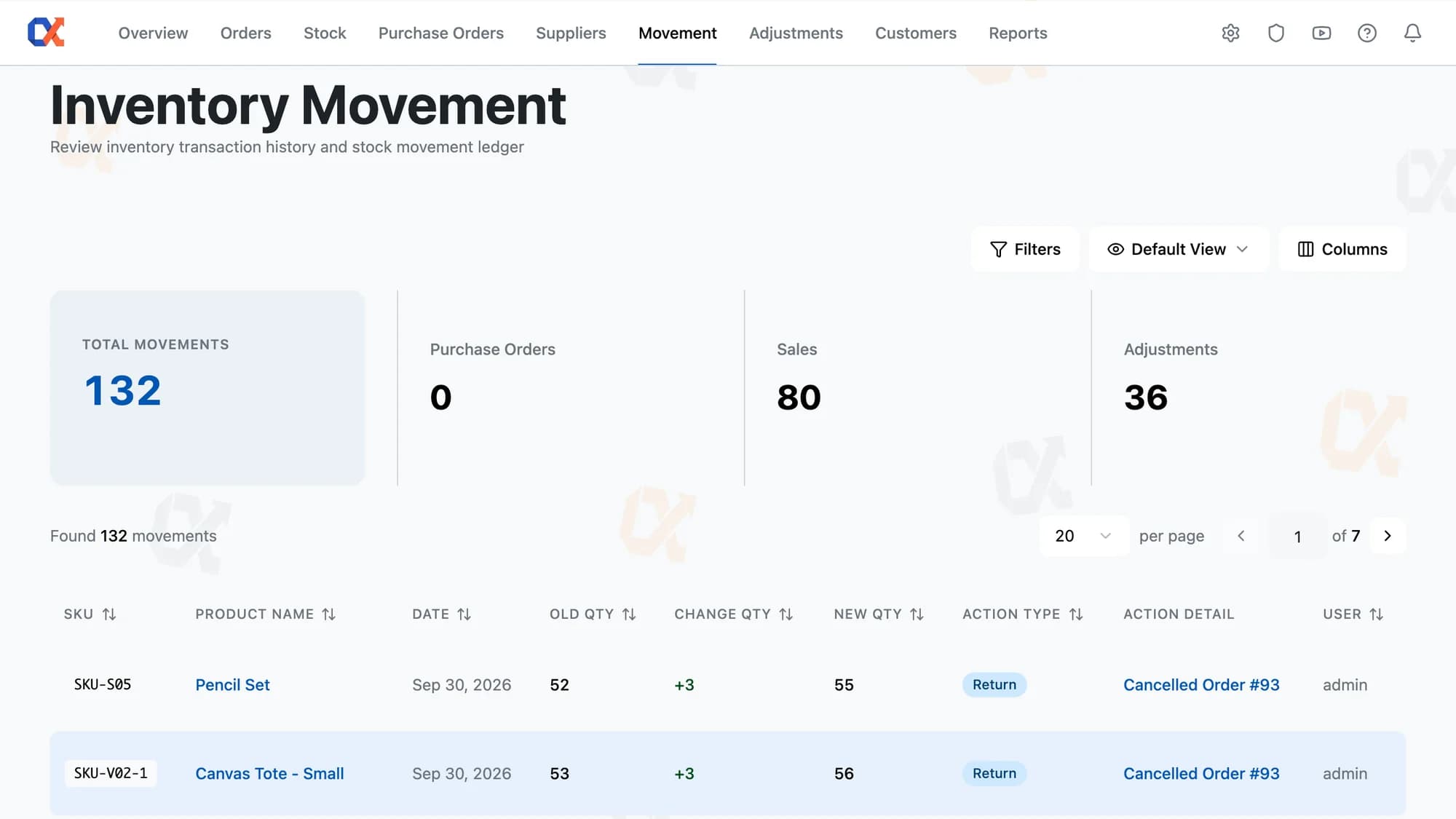
Movement Log

WooCommerce overwrites the stock figure every time it changes. When it's wrong, there's no record of what it was, what changed it, or who was signed in at the time.

  • Read-only for everyone, owner included — no permission to edit it exists at any level
  • Every stock number traces to a row: what it was, what moved it, what it became, and who
  • Stock edits made outside Inventory Alpha still land here, with the user who made them
  • Each row links straight to the purchase order, sale, or adjustment that caused it
Learn more about Movement Log
Movement log
Sale#4019−2
PurchasePO-2041+48
AdjustmentCycle count−1

Feature 9

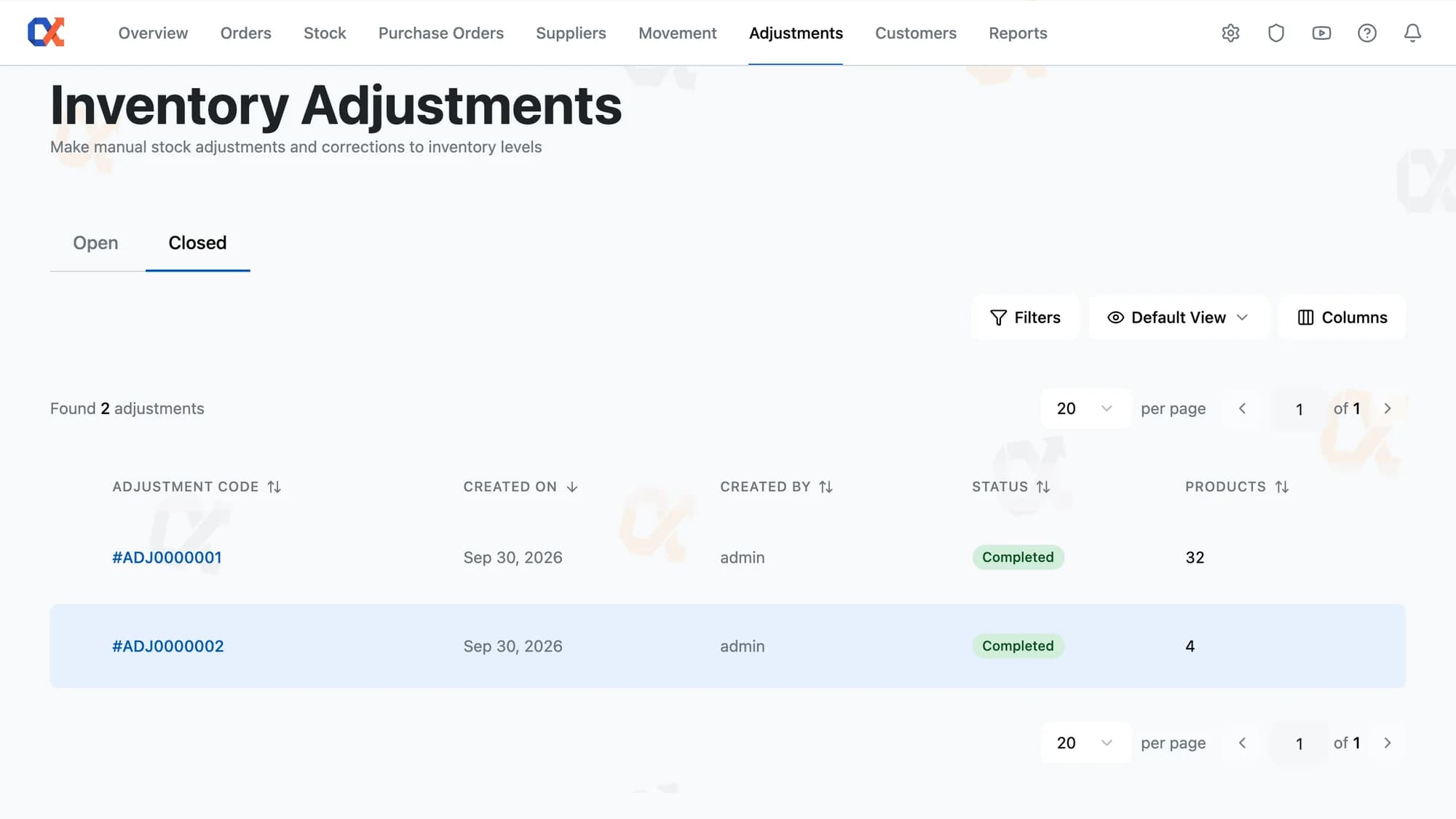
Stock Adjustments

In WooCommerce there's one editable stock box per product. Forty products off after a count is forty separate edits, none of them connected to each other.

  • Type the count you found or the change you made — the other figure fills itself in
  • A whole shelf count lands as one record, every line applied together
  • Save it pending and come back later — nothing moves in WooCommerce until you complete it
  • Once applied the record is locked for good, and the fix is always a second adjustment
Learn more about Stock Adjustments
Adjustments
ADJ-118Cycle countApplied
ADJ-117DamageDraft
ADJ-116RecountApplied

Feature 10

Roles & Permissions

WordPress gives you Shop Manager or nothing. Hand a picker the access they need to do the job and you've handed them every cost and margin figure in the store.

  • Withheld figures never leave the server — staff get a blank field, not a hidden number
  • None, View, or Full on every one of 29 rows, all starting at None
  • Set a feature that depends on another and the second switches on by itself
  • The same field editable for one role, read-only for another, and absent for a third
Learn more about Roles & Permissions
Permissions
ViewEditDelManagerBuyerViewer

Start free

Every feature above. One plan, one price.

Install it on your store and the numbers populate from the orders you've already taken.

Not charged for 30 daysCancel anytime5‑minute setup